How to log in to the new IDP?
As part of the evolution of the External Dev Portal, the authentication system has been enhanced to improve security.
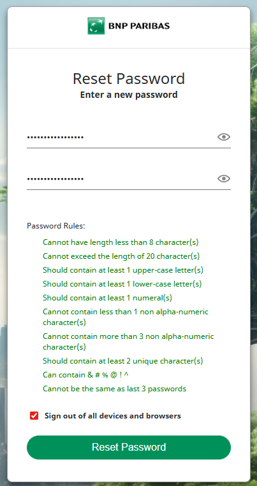
This update requires you to create or reset your password to access the platform.
Identify your situation
Case 1: You already have a DevPortal account
- Your email address has been retained on the new platform
- For security reasons, your previous password has not been migrated
You must reset your password to log in.
Case 2: New partner (not yet registered)
- You cannot create an account by yourself
- An account creation request must be initiated by your company’s authorized representative
This request must be sent to the following address: bcef.supportportailsapi@bnpparibas.com
Below are the requierd elements :
- External entity name
- Authorized representative name
- Full names an email addresses of the future portal users
- API to be consumed
Once your account is created, you will receive an email to set your password
Step 1 : Access the DevPortal
- After the migration, connect to the portal using one of the following environments:
- DEVPORTAL QUALIF : https://bcef.devportal.staging.bnpparibas/
- DEVPORTAL PROD : https://bcef.devportal.api.bnpparibas
Step 2: Reset or create your password
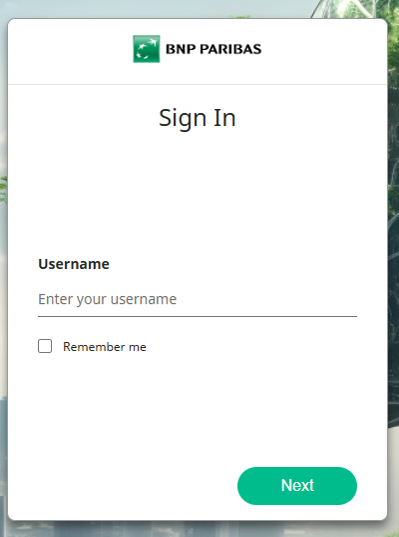
- On the login page:
- Enter your email address and Click “Next”
- Click: “Forgot password or first login?”
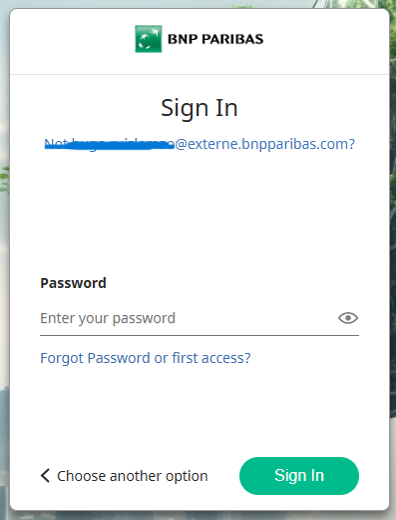
Select the email on which the reinit link will be send
* The email will be the one given during the creation of the identity by the client
Step 3: Check your email and create your password
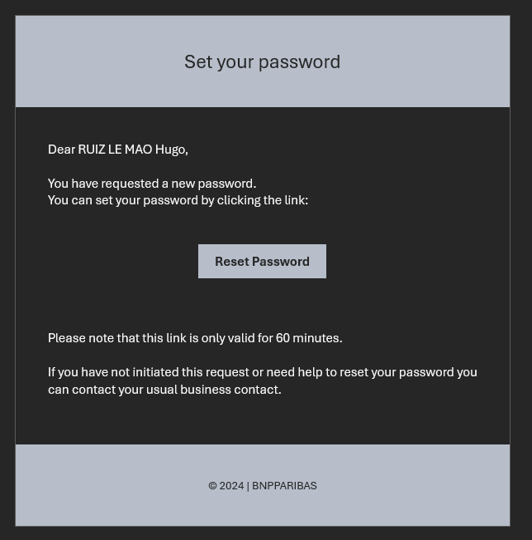
- Go to your mailbox and click on "Set a new password" then follow the instructions to reset your password.
* The reset link is only valid for 60 minutes
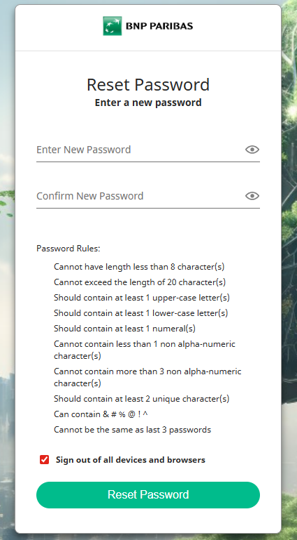
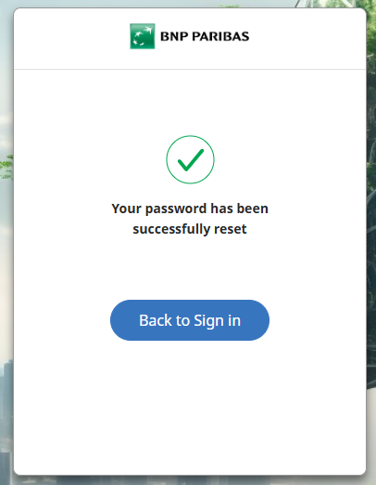
The password is now initialized, you can go back to the connection page